 iOS
 Google Play Store
 Galaxy Store
 Windows
 Chromebook
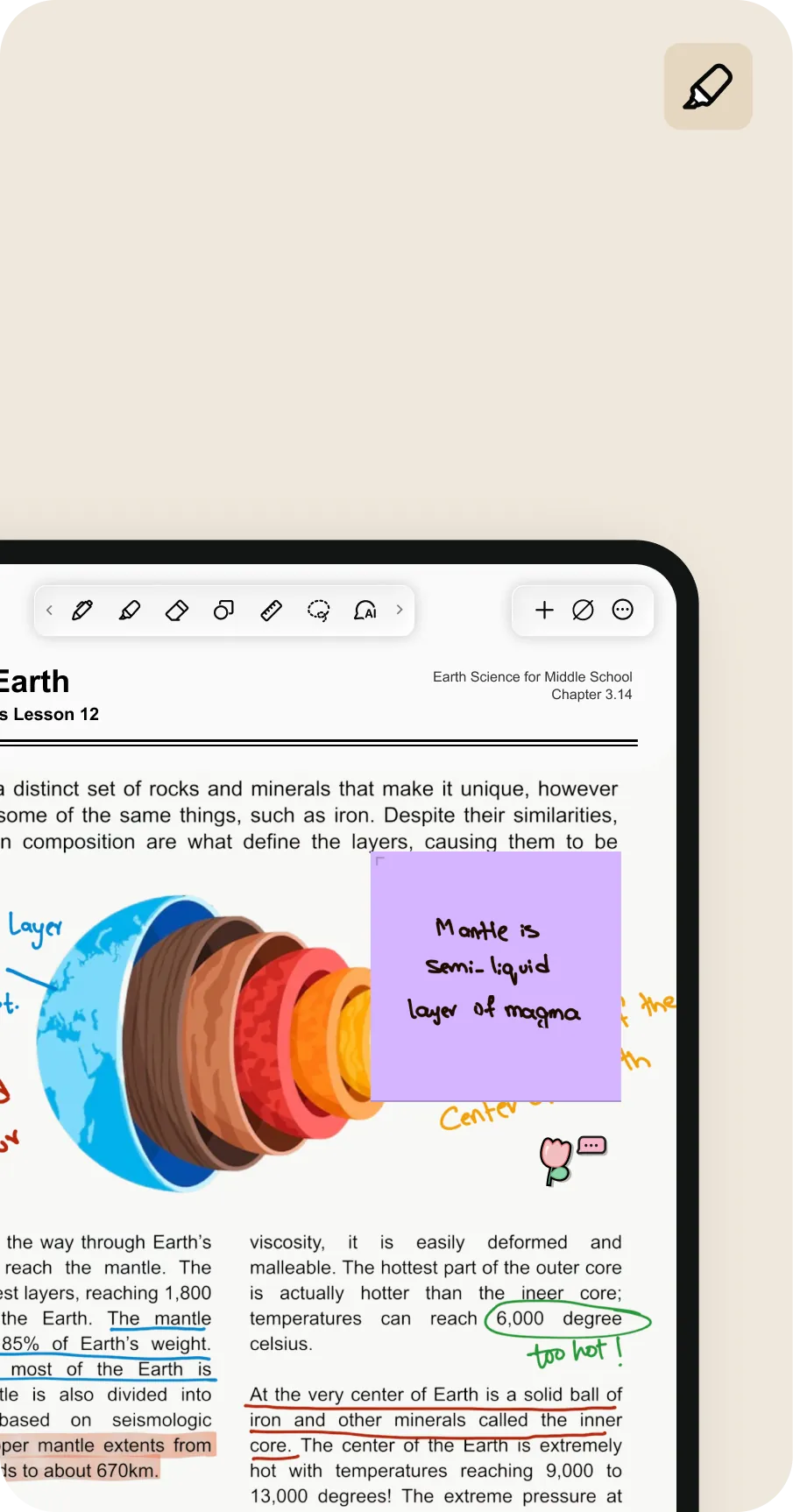
Annotate PDFs
Dive right into what’s important by highlighting and underlining text, writing notes and adding sticky notes.
Take notes, organize, and focus on the things that matter.
Try for free
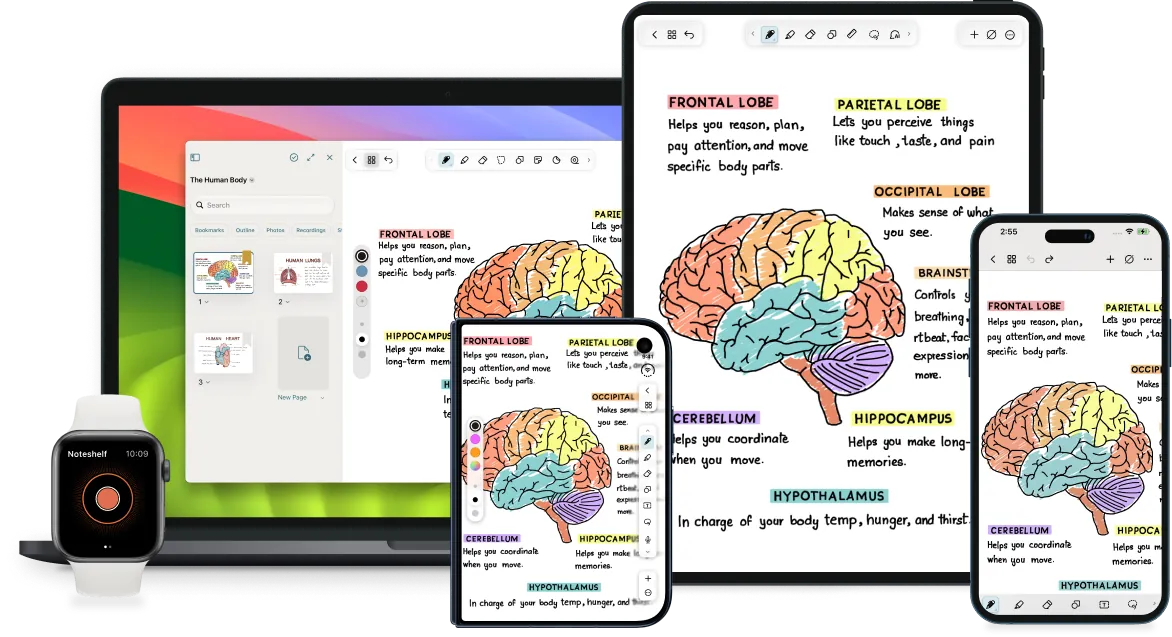
Discover versatile writing tools for everything from quick notes to detailed illustrations.
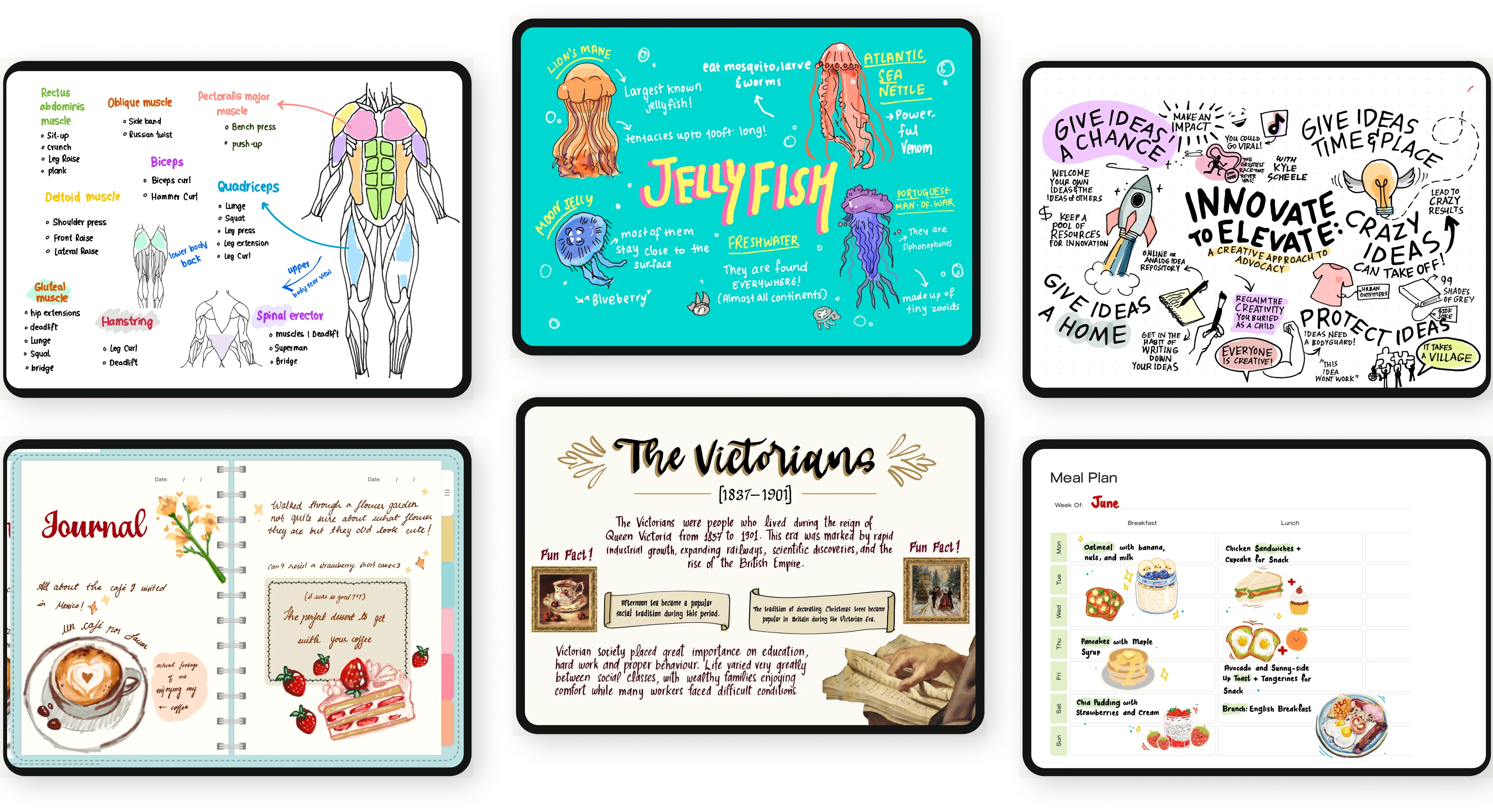
Everything you need, all in one place.
Dive right into what’s important by highlighting and underlining text, writing notes and adding sticky notes.
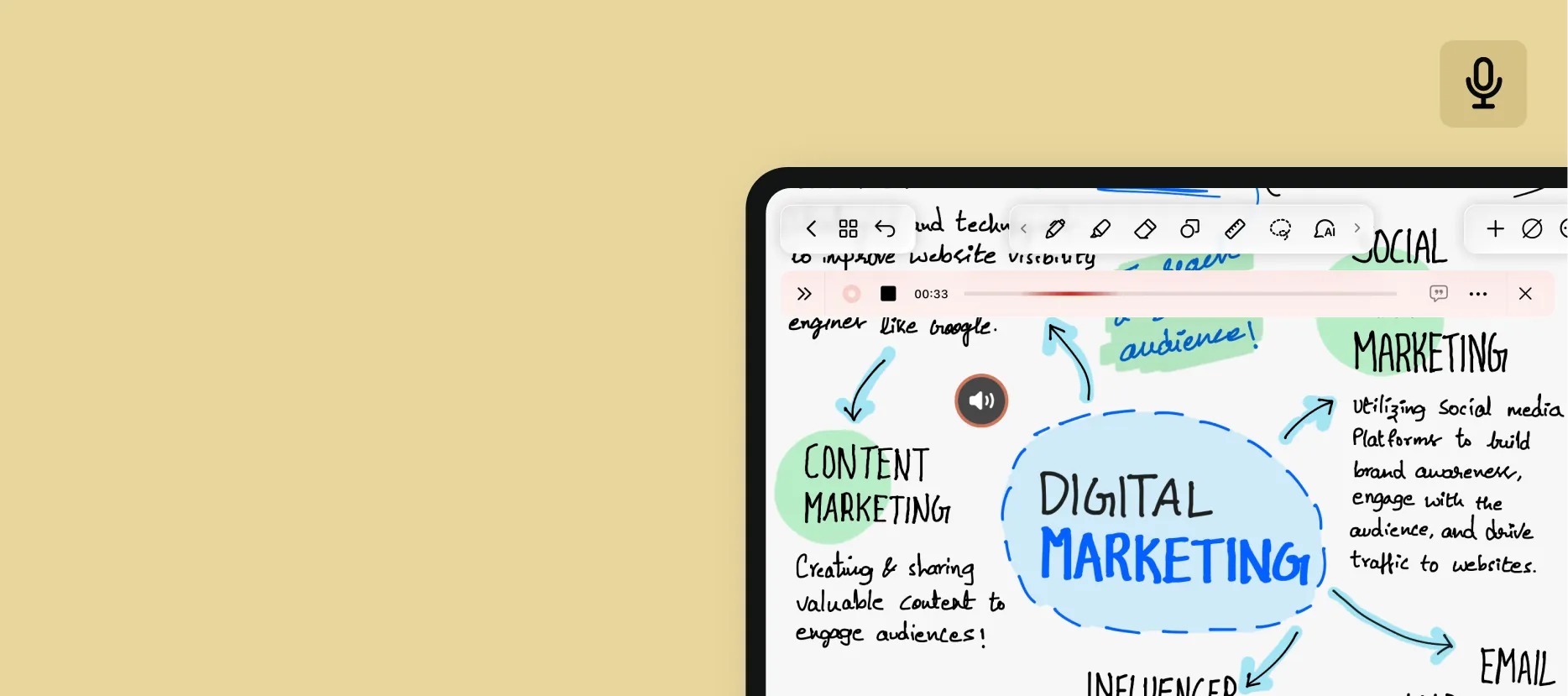
Record lectures, meetings, or discussions and replay them at anytime so you never miss a note.
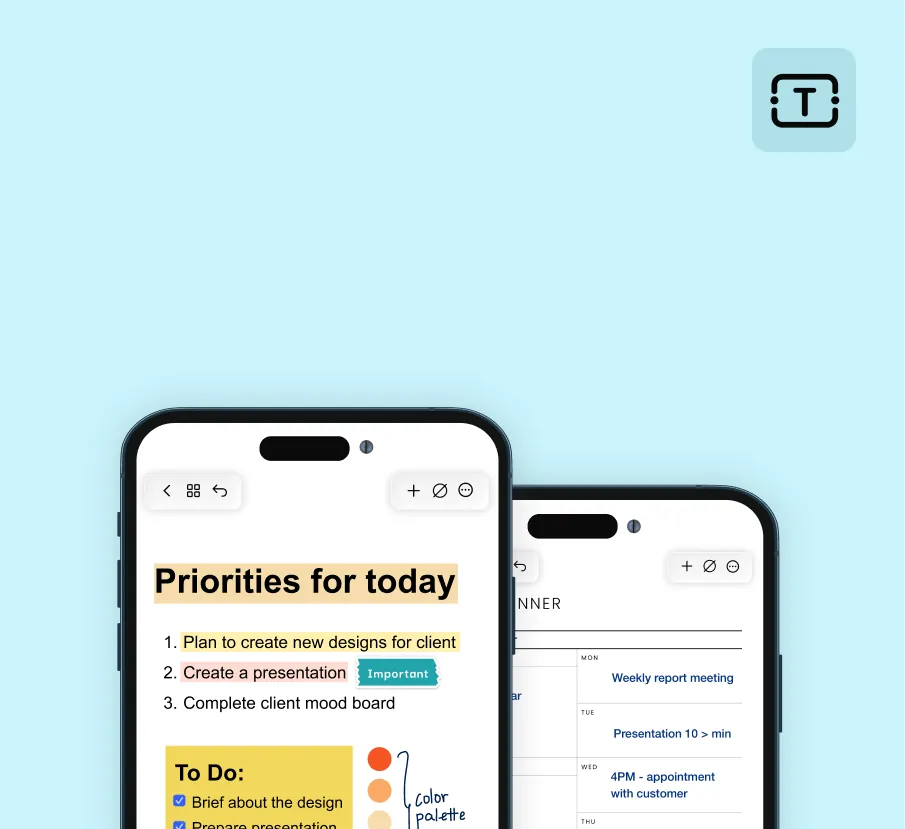

Create well-crafted notes or professional documents efficiently, by typing your notes or converting your handwriting to text.
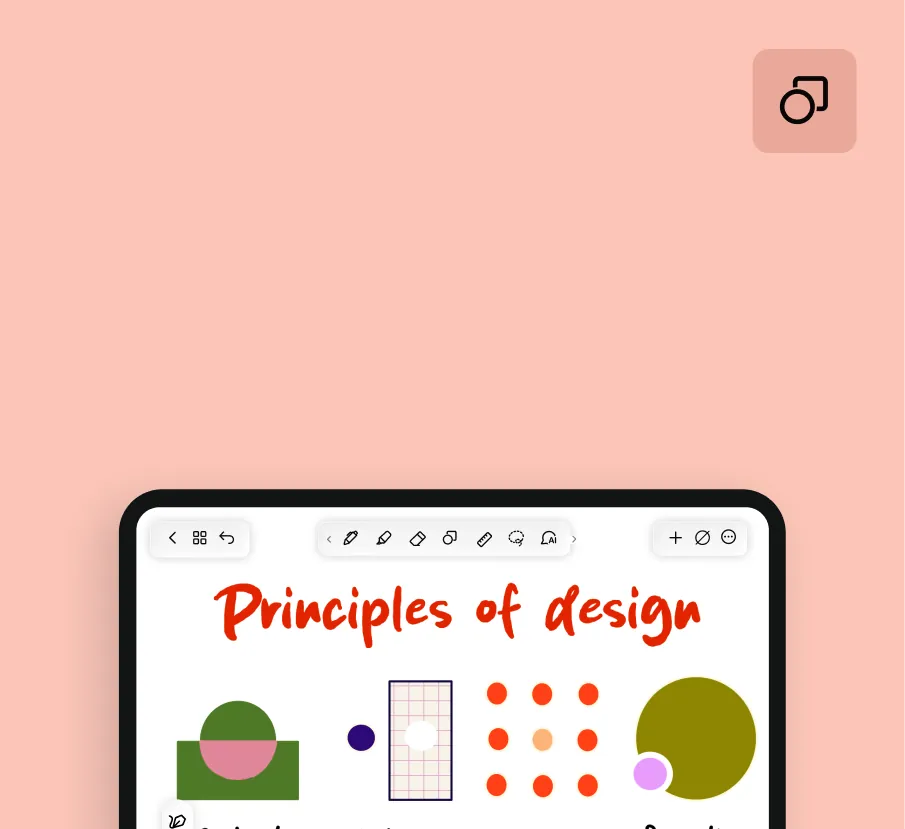

Transform your notes with accurate shapes, lines, and arrows to create compelling visuals. Watch your ideas take shape.
Minimize distractions and let your notes take centre stage. Noteshelf is designed to keep you focused on your tasks at hand.
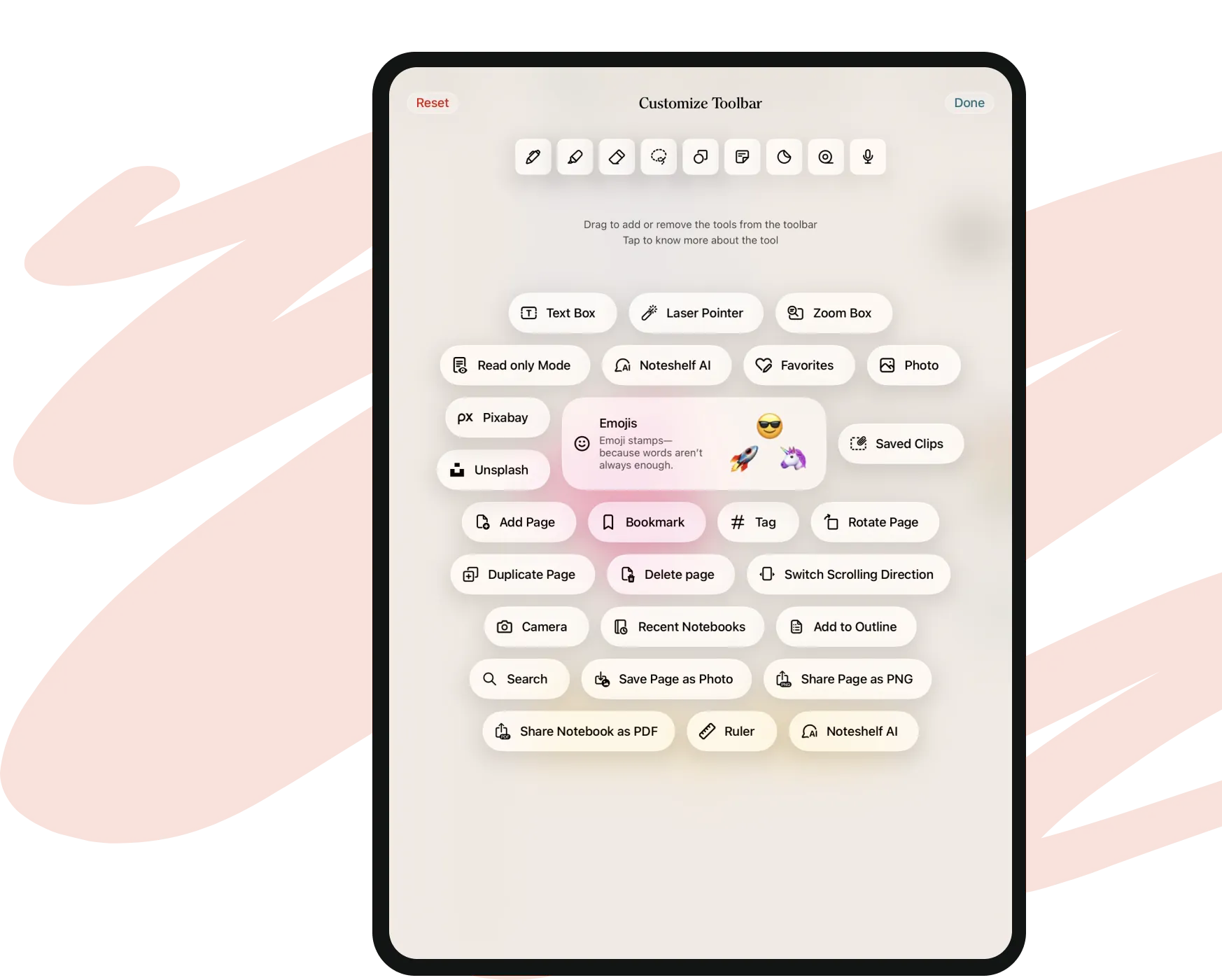
Drag tools in or out to build a toolbar that matches how you actually write for a seamless productive experience.
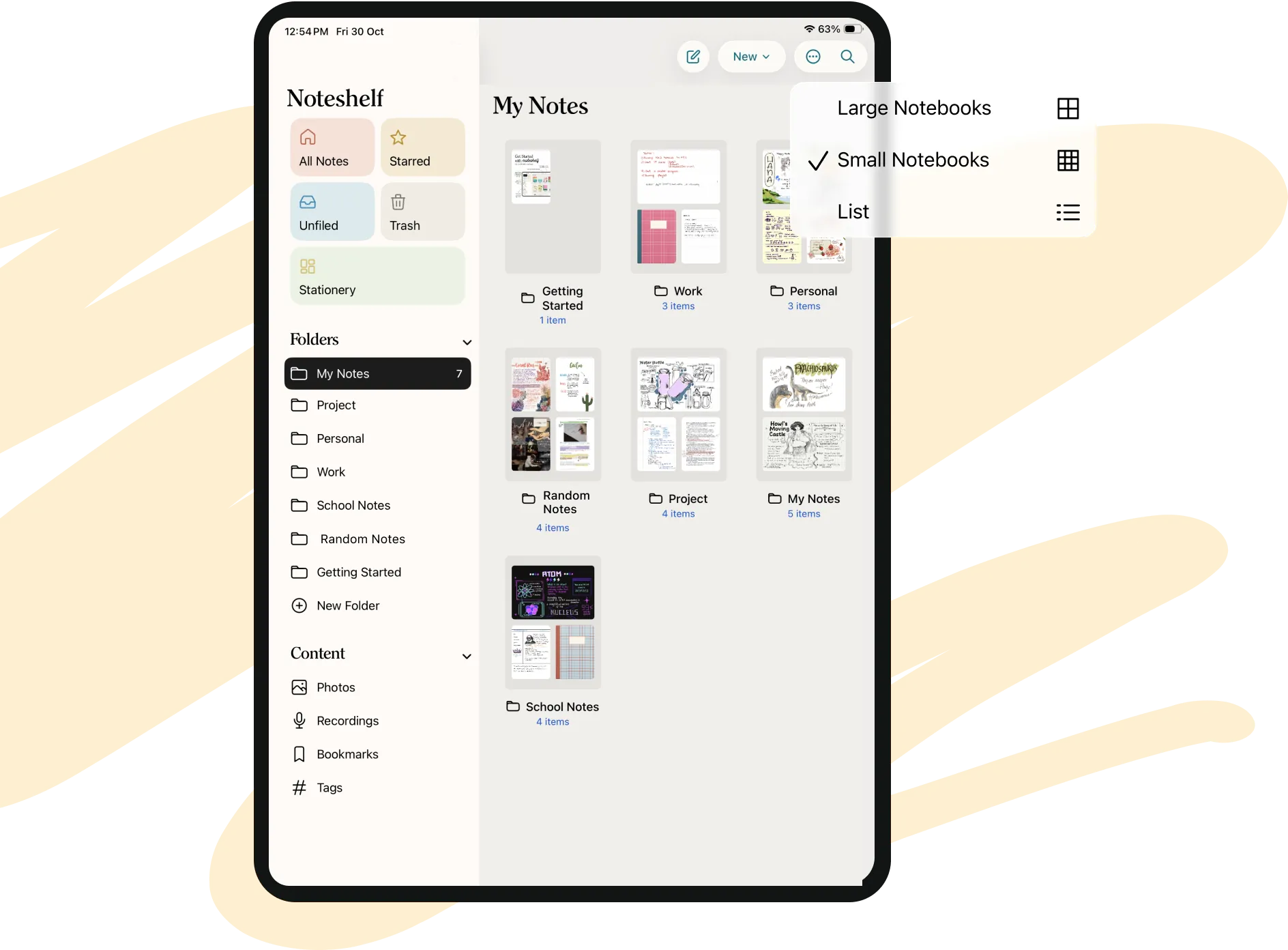
Notebooks and folders keep everything sorted so nothing gets lost in the shuffle.
Clear away every toolbar and menu so only your page is left on screen.
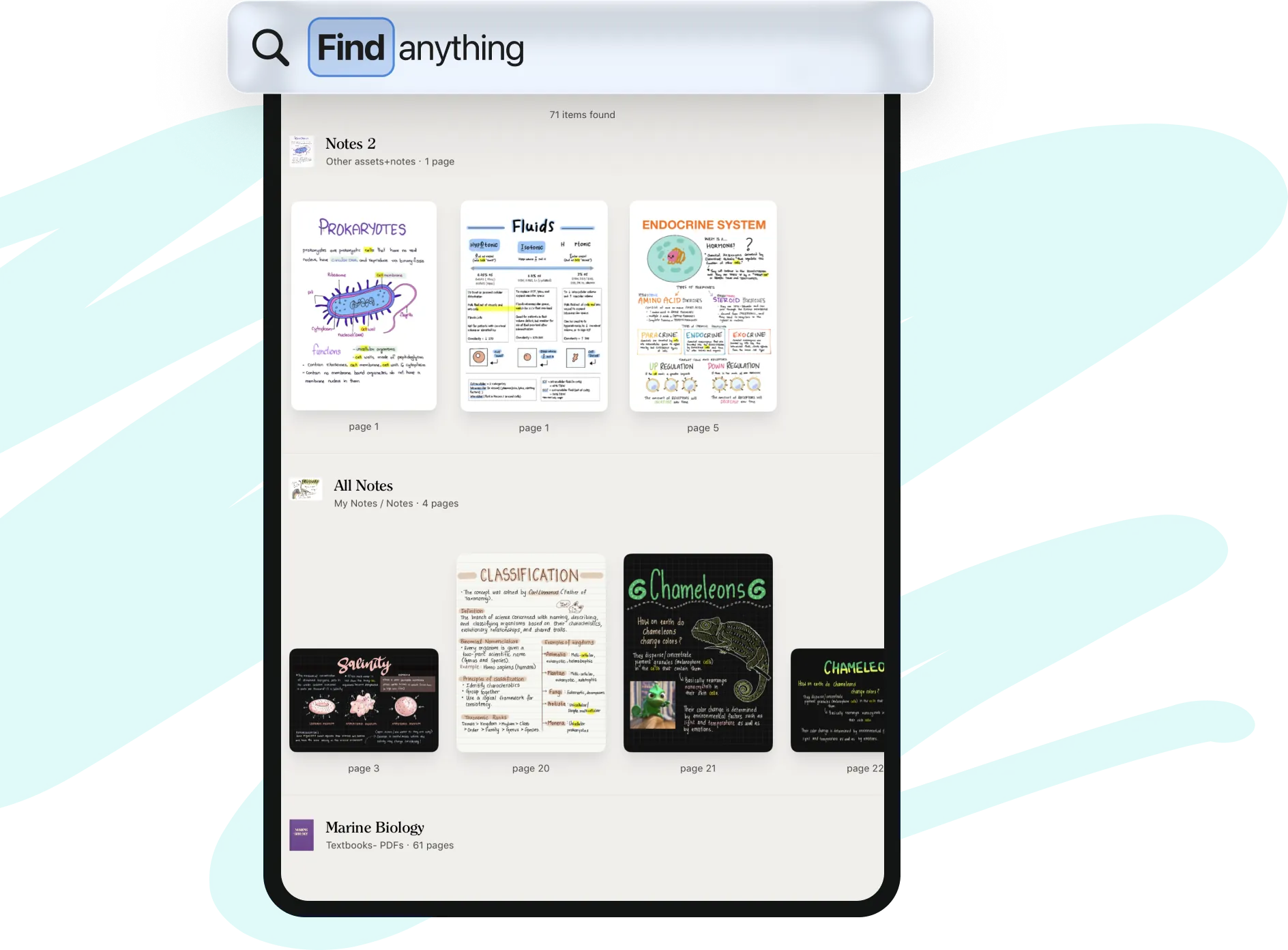
Find a word even in your messiest handwriting, across every notebook.
Sync and backup with cloud services